Stop Staring at a Blank Prompt Box
The free prompt template for generating a Pinterest pin image that's actually on-brand — because it's pulled from real research, not invented on the spot.
Every detail in a good pin image — layout, color palette, headline placement — should come from patterns you've already seen work, not a guess you're hoping lands. And here's the honest tradeoff nobody tells you: video pins win on impressions and reach, but static 2:3 pins win on the number that actually matters for traffic — outbound clicks. This guide gives you the manual prompt template and the reasoning, free.
What's Inside
♥ The prompt template for generating an on-brand pin image, no blank-screen guessing
♥ The honest static-vs-video breakdown, and why static is the default this system teaches
♥ A 4-point self-check to run before you generate, so you catch a wasted attempt before it happens
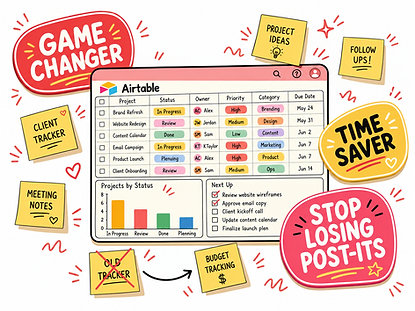
The free guide has you copy-pasting your research into the prompt by hand, every single time. The Command Center automates that exact step.
♥ One line to Claude — "check my Pinterest Research Tracker, write me the full image prompt" — no manual copy-pasting between pages
♥ Every prompt pulled straight from your own logged research, not memory or guessing
♥ Closes the loop end to end: research (Module 5) → hook title (Module 6) → the actual image, all from one connected base
♥ $9.89, credited toward the course if you upgrade later
Course Waitlist

This is Module 8, the last mini-module in the Pinterest Pin Starter Kit. Join the waitlist and I'll email you the moment the next round opens.

I'm a mom of three, a wife, and a full-time therapist with ten years in practice — my days were already full before I ever touched a blog or an Etsy shop. I built this system because I didn't have extra time lying around, I had the opposite. My brain wants to do everything at once, and there simply aren't enough hours to do it all by hand — so I built the framework I wish someone had just handed me.