Which Ulike Reglow Mode Should You Actually Use? A Real Breakdown
Updated: Oct 1
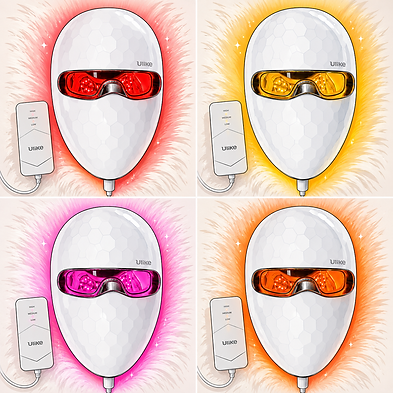
When I first got my Reglow mask, I basically picked one mode and lived in it for months without touching the other three, because that's very on-brand for me.
Once I actually sat down and looked into what each mode is built for, I realized I'd been sleeping on half the device. So here's the real breakdown, from someone who has now actually used more than one button.


The Four Modes at a Glance
The Reglow has four color-blend modes, each combining different wavelengths for a different goal, in sessions that run 5 to 8 minutes: Glow Mode, Firm Mode, Rejuvenate Mode, and Clear Mode.
You cycle through them with the button on the cord, and the whole thing charges on a pack you can leave plugged in and detach when you're ready to use it.
Glow Mode (5 Minutes)

A blend of yellow, red, and infrared light, aimed at brightening dullness and fading blemishes for a more even tone. This is the one I'm actually adding into my rotation now, mostly for the mornings I look like I haven't slept, which, with three kids and everything going on with my dad, is more mornings than I'd like to admit.
Firm Mode (8 Minutes) — My Go-To

Red and infrared, built to stimulate collagen and soften fine lines. This is the mode I actually use most, because I'm 40 and doing what I reasonably can for my skin. It's the longer session of the four, but it's also the one I forget I'm wearing most often, so the extra few minutes has never really registered as a downside.
Rejuvenate Mode (8 Minutes)
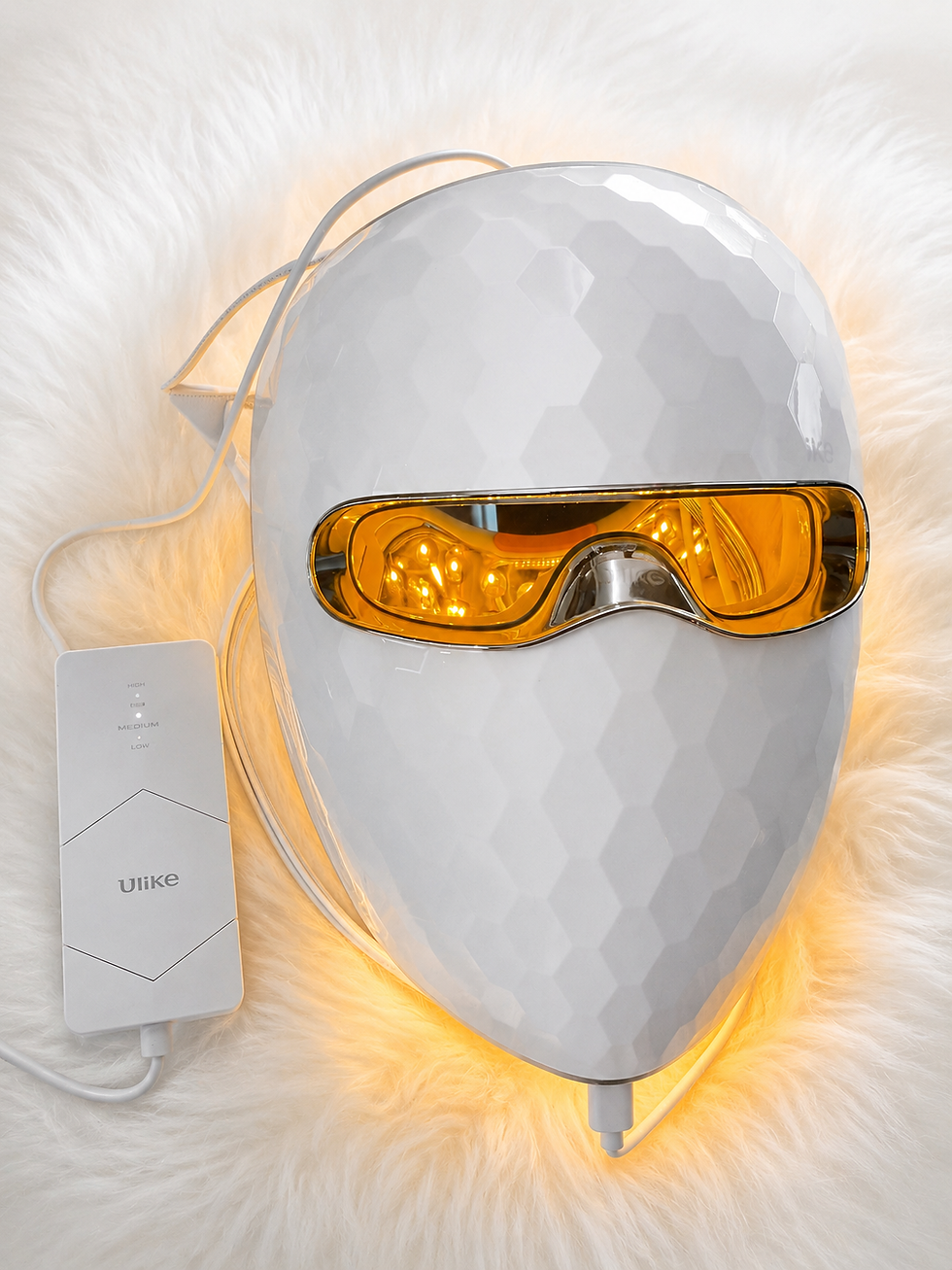
Yellow and infrared, sometimes with red blended in depending on the setting, built to calm redness and strengthen a sensitive or irritated skin
barrier. I haven't used this one much yet, but it's next on my list — between the weather, the stress of this year, and my skin generally being more reactive than I'd like, this feels like the one I've genuinely been sleeping on.
Clear Mode (5 Minutes) — My Breakout Rescue

Blue, red, and infrared, targeting acne-causing bacteria and inflammation. This is the shortest session and the one I reach for the second I feel a breakout starting, which, at 40, apparently still happens more than anyone warned me about.
It's also the mode my stepdaughter uses when she's here, since acne is more her territory than mine these days.
My Honest Rotation
Realistically, I live in Firm Mode most nights and switch to Clear Mode when my skin is acting up. Glow and Rejuvenate are the two I'm actively trying to build into the rotation now that I actually know what they're for.
If you're new to this mask, my advice is to not do what I did for months: pick the mode that matches what's actually bothering your skin that week, not just the one you defaulted to on day one.


If there's one thing you'll learn about me, it's that I love finding things that make life feel a little easier.
Whether that's a travel essential, a parenting hack, a cozy self-care find, or something that simply makes me think, “Why didn't I know about this sooner?”
I'm grateful you're here and I hope you found something helpful.
Wishing you comfort, calm, and a little less overwhelm wherever life takes you.


Comments